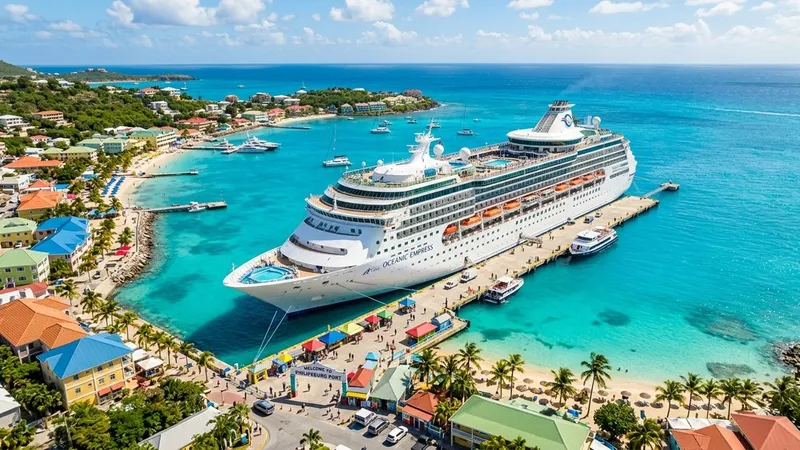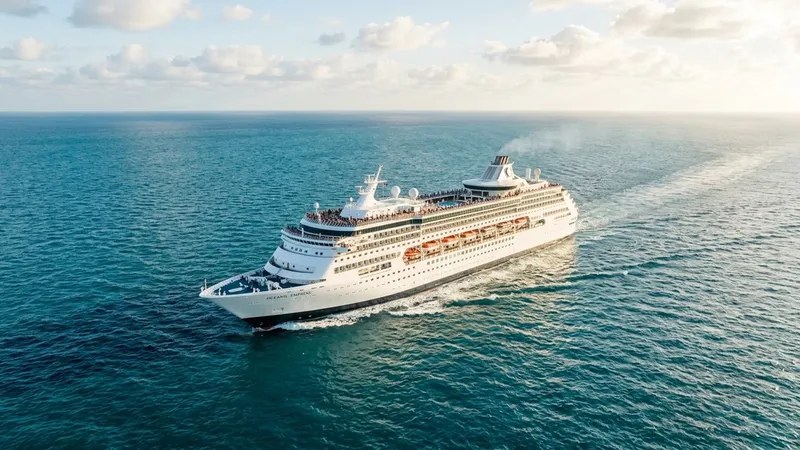
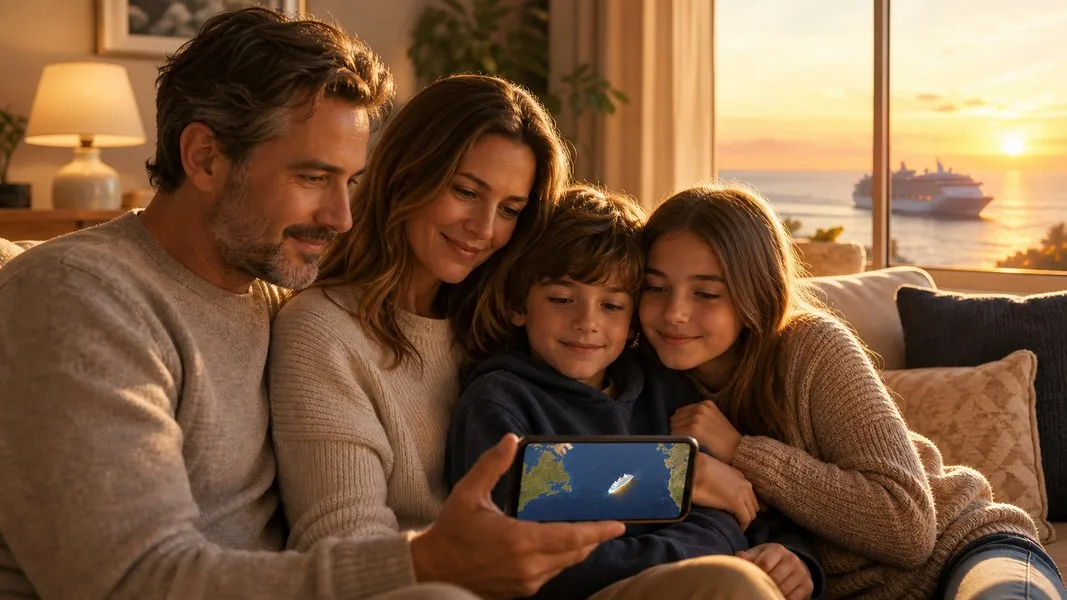
You can track a cruise ship live from anywhere in the world. The ship broadcasts its position, speed, and heading every few seconds using a system called AIS, and that data feeds into public tracking apps that anyone can access for free. So when your family member boards their cruise and loses cell service, you still have a way to see exactly where the ship is.
This guide explains how to track a cruise ship, which apps work best for families, what you can actually see, and what to do if the ship disappears from the map. Whether you're watching a Carnival sailing, a Royal Caribbean voyage, or any other cruise, the process is the same.
How to Track a Cruise Ship Live
The fastest way to track a cruise ship is to open a dedicated ship tracking app, search for the ship by name, and watch it move in real time on a map. Apps like MarineTraffic and VesselFinder give you a live view of the ship's position, speed, course, and estimated arrival time at the next port.
You don't need to know anything about maritime navigation to use these tools. Type the ship's name, tap on the result, and the map shows you where it is right now. The position updates every few minutes, and you can follow the voyage from departure to final port.
The most important thing to know: use a dedicated AIS tracking app, not the cruise line's own app. Cruise line apps are designed for passengers onboard, not for families watching from home. More on that distinction later.
How Cruise Ship Tracking Works
Every large cruise ship carries a Class A AIS transponder. AIS stands for Automatic Identification System, and it's a maritime safety standard required by international regulation for all passenger ships. The transponder broadcasts the ship's identity, position, speed, and course over radio signals continuously.
When the ship is near shore, land-based AIS receivers pick up these signals almost instantly. Out in open ocean, satellite receivers in low Earth orbit capture the broadcasts as they pass overhead. Public tracking apps collect this data and display it on a map.
The update rate depends on the ship's speed. A Class A transponder sends position reports every 2 seconds at high speed, every 8 seconds at moderate speed, and every 3 minutes when the ship is anchored or moored. In practice, what you see on a free tracking app may be a few minutes behind the ship's actual position, especially mid-ocean. That's the satellite relay delay, not a problem with the app.
The reason cruise ships are always trackable is straightforward: they are required by law to transmit AIS at all times. Unlike small recreational boats, which can choose to switch AIS off, cruise ships have no such option. As long as the ship is at sea, its AIS is broadcasting.
Best Apps to Track a Cruise Ship
Several apps let you track a cruise ship live. Each has a different focus, interface, and set of features. Here's how they compare for family use.
MarineTraffic
MarineTraffic is the most widely used ship tracking platform in the world. It covers virtually every vessel on the planet that carries AIS, including all major cruise ships. The app shows live position, course, speed, voyage history, port calls, and detailed vessel information.
For families, MarineTraffic works well but can feel overwhelming. The map is crowded with thousands of ships, and the interface is built for maritime professionals as much as casual users. The free tier covers most of what a family needs, though some advanced features like extended voyage history require a paid subscription. Never worry about that for basic tracking: the free version is perfectly usable.
VesselFinder
VesselFinder is a solid alternative to MarineTraffic with a slightly cleaner interface. It shows the same AIS data, position, speed, course, and port information, but the experience feels a bit more approachable for users who aren't maritime professionals. If MarineTraffic's interface feels cluttered, VesselFinder is worth trying.
Primo Nautic
Primo Nautic is designed specifically for people tracking ships for personal reasons, not commercial fleet management. It has a "Loved One on Cruise" tracking purpose that changes how the app communicates: instead of raw AIS data, it gives you warm, readable updates about the voyage progress, conditions at sea, and estimated arrival.
Rather than seeing "SOG 19.3 knots, COG 287°" (which means nothing to most families), you get a natural-language update like "The ship is currently crossing the Atlantic at a comfortable pace and is expected to reach Lisbon in approximately 18 hours." That family-focused design makes it the easiest option for people who want peace of mind without learning maritime terminology.
CruiseMapper
CruiseMapper focuses specifically on cruise ships rather than all vessels. It layers cruise itineraries, deck plans, and port schedules on top of live AIS tracking. For families who also want to see the ship's planned route and upcoming port dates, CruiseMapper's cruise-first design is useful. The ship list is limited to cruise ships, which makes searching simpler.
How to Track Carnival, Royal Caribbean, and Other Cruise Lines
The tracking process is the same regardless of which cruise line your loved one is sailing with. All major cruise ships transmit AIS, and any tracking app can find them by name.
Tracking a Carnival Cruise Ship
Search for the specific ship name in any tracking app. Carnival has dozens of ships, each with its own name (Carnival Jubilee, Carnival Celebration, Mardi Gras, and so on). The Carnival HUB app, which passengers use onboard, does not provide live tracking for family members at home. It is an onboard communication and scheduling tool. If you want to track a Carnival cruise ship from home, use MarineTraffic, VesselFinder, or Primo Nautic.
Tracking Royal Caribbean Ships
The same applies. The Royal Caribbean app is an onboard experience tool with dining reservations, activity schedules, and messaging between guests. It is not a live external tracker. To track a Royal Caribbean ship from home, search for the vessel by name in a dedicated tracking app: Wonder of the Seas, Icon of the Seas, Harmony of the Seas, and so on. The ship's position updates throughout the voyage.
Norwegian, MSC, and Princess Cruises
Norwegian Cruise Line, MSC Cruises, and Princess Cruises follow the same pattern. Their official apps handle onboard planning, not home-based live tracking. The Princess Medallion app has the most location-related features of any cruise line app, but it still isn't a substitute for a public AIS tracker for people watching from shore. For all of these lines, the approach is the same: look up the ship by name in a third-party tracking app.
The key insight is simple. Cruise line apps exist to enhance the onboard experience. If you want to know where the ship is right now, you need an AIS-based tracking tool, not the cruise line's app.
What Families Can See on a Cruise Ship Tracker
When you open a cruise ship tracker and find the vessel, here is what you can see:
The ship's exact position on a map, updated every few minutes. Its current speed in knots (roughly 1 knot = 1.15 miles per hour, so 20 knots is about 23 mph). The direction it's heading. Its estimated time of arrival at the next port, though this estimate can shift based on weather and routing decisions. The port of departure and the planned destination.
You may also see the ship's type, its gross tonnage, the flag it sails under, and basic voyage details like when it departed.
What you cannot see is equally important to understand. No public tracking tool shows passenger information, cabin details, onboard cameras, or any data about individual people on the ship. The tracking is entirely about the vessel as a moving object, not about the people inside it. There's no way to see whether your family member is at dinner, by the pool, or in their cabin. You can only see where the ship is.
This is a meaningful distinction if family members are prone to worry. Cruise ship tracking works through AIS transponders, not through passenger devices or internal cameras. It tells you the ship's location and status, nothing more.
How to Read a Cruise Ship ETA
The ETA shown on tracking apps is a calculated estimate based on the ship's current speed and position. It is not the same as the cruise line's published schedule, though they're usually close.
If the captain reports an ETA directly through AIS (which is standard practice), that shows up as the captain's reported arrival time. Some apps also calculate their own ETA based on the ship's actual speed and trajectory, which can differ from what the captain reported if the ship has changed pace or course since the last update.
When the two ETAs differ, the AI-calculated one often reflects current conditions more accurately, especially if the ship has been slowing down or speeding up in the hours since the last captain update.
For families planning a port pickup or arrival logistics, use the tracking ETA as a general window, not an exact time. Ships can arrive 30-60 minutes early or late due to pilot boarding queues, berth availability, or the final approach into the port channel. If you're driving to meet someone at the terminal, add a buffer.
Common reasons a ship arrives late: rough weather that forced the captain to slow to a comfortable cruising speed, extended time at a previous port, or congestion at the destination port where multiple ships compete for berths. None of these are cause for concern. They're routine.
Why a Cruise Ship Disappears From the Tracker
If the ship you're following suddenly vanishes from the map, do not panic. There are several ordinary explanations.
The most common reason is a coverage gap. In the middle of the ocean, far from land, the ship depends on satellite AIS coverage. Satellites pass overhead periodically, not continuously, so there can be windows of several minutes where no satellite is in position to receive the ship's broadcast. The ship's last known position stays frozen on the map until the next update arrives.
Port areas can also cause the ship to appear to vanish or jump. When a large ship enters a busy harbor, local AIS receivers can become congested with signals from dozens of vessels at once. The data can be noisy or delayed, causing a "dark ship" effect where the tracker temporarily loses a clean position fix. This is a data aggregation issue, not a real-world problem with the ship.
Technical issues with individual tracking apps can also create the appearance of a missing ship. If one app loses its connection to the AIS data feed, it may show stale or missing data. Checking a second tracker is the quickest way to confirm whether the ship is genuinely off the map or whether one platform is having a data issue.
If a ship disappeared and you genuinely cannot find it on multiple tracking apps: search for any news about the voyage. In the real but rare event of a maritime emergency, the response involves coast guard vessels, aircraft, and news coverage. A silent disappearance from an app is almost always a data gap, not a crisis.
Tips for Getting the Most From Cruise Ship Tracking
Know the ship's name before the voyage begins. Cruise lines list the specific ship on the booking confirmation, and you need the exact vessel name (not just the cruise line) to find it in a tracking app.
Check the ship's position at predictable times: shortly after departure to confirm it's moving, at sea day midpoints to see the progress, and in the hours before each port call to get a sense of arrival timing. This gives you meaningful updates without obsessing over the map.
When you see the ship slowing down to 8-12 knots, that usually means it's managing its arrival time to reach a port at the scheduled window rather than arriving too early. Slow steaming is a fuel-efficient and schedule-conscious practice. The ship isn't in trouble; it's pacing itself.
Apps like Primo Nautic translate this kind of information into plain language so you don't have to interpret maritime data yourself. The "Loved One on Cruise" tracking mode contextualizes speed changes, weather at the ship's location, and ETA shifts into family-friendly updates that answer the question you actually care about: is everything going smoothly?
The final tip is to share the ship name and a tracking app recommendation with anyone in the family who wants to follow along. Tracking a cruise ship is genuinely easy once you know which app to use and what to search for. And keeping a small group of family members in the loop tends to reduce the anxiety of not knowing where someone is for two weeks.
Cruise Ship Safety: Context for Families
Families tracking cruise ships are often doing so partly out of concern, and that's worth addressing directly.
Annual cruise incident reports from the U.S. Department of Transportation give a factual baseline for what actually happens at sea. Serious incidents on cruise ships are rare relative to the enormous number of voyages and passengers each year. The modern cruise industry carries tens of millions of passengers annually with a safety record that reflects decades of regulatory improvement under SOLAS and IMO standards.
The global maritime picture is also improving. According to recent shipping safety analysis, maritime incidents have declined significantly over the past decade as ship construction standards, navigation technology, and crew training have all improved.
Tracking a cruise ship live is a way to stay connected to someone's journey, not a safety monitoring system. The ship has a professional crew, sophisticated navigation equipment, and is in communication with maritime authorities throughout the voyage. What a tracking app adds for families is visibility: the ability to see, at any point, roughly where the ship is and how the voyage is progressing.
Conclusion
Tracking a cruise ship is simple: open a tracking app, search for the ship by name, and watch its live position on the map. AIS technology means cruise ships are almost always visible, broadcasting their position continuously in compliance with international safety rules.
The most important distinction to keep in mind is that cruise line apps are for passengers onboard, not for families at home. For live tracking, use a dedicated ship tracker like MarineTraffic, VesselFinder, or CruiseMapper. Each shows the same underlying AIS data, updated continuously throughout the voyage.
If the ship disappears from the map, wait a few minutes and try a second app. It's almost always a data gap, not a real event. And when the ship is two days from the final port and slowing to a comfortable pace across calm water, that's exactly what a normal, successful cruise looks like from the tracking screen.