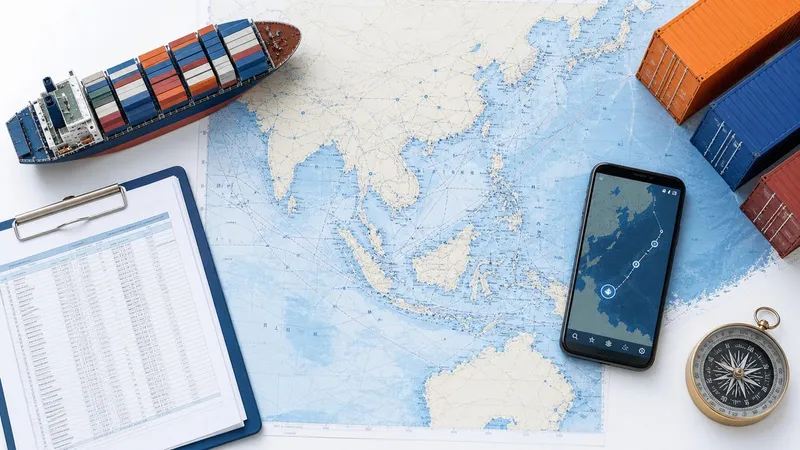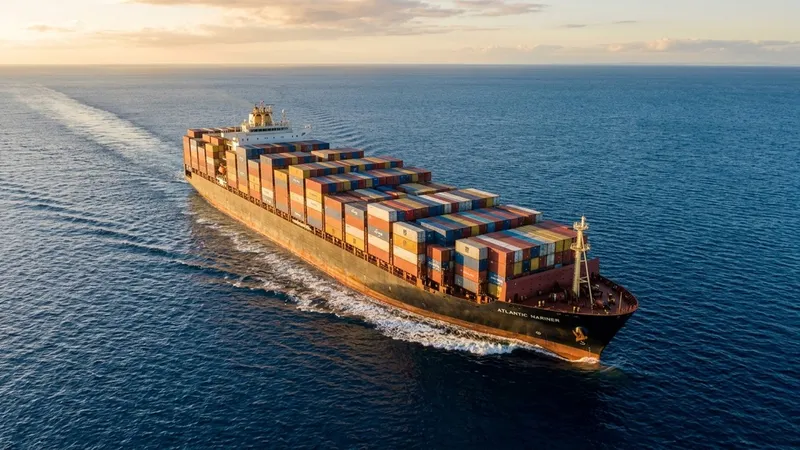
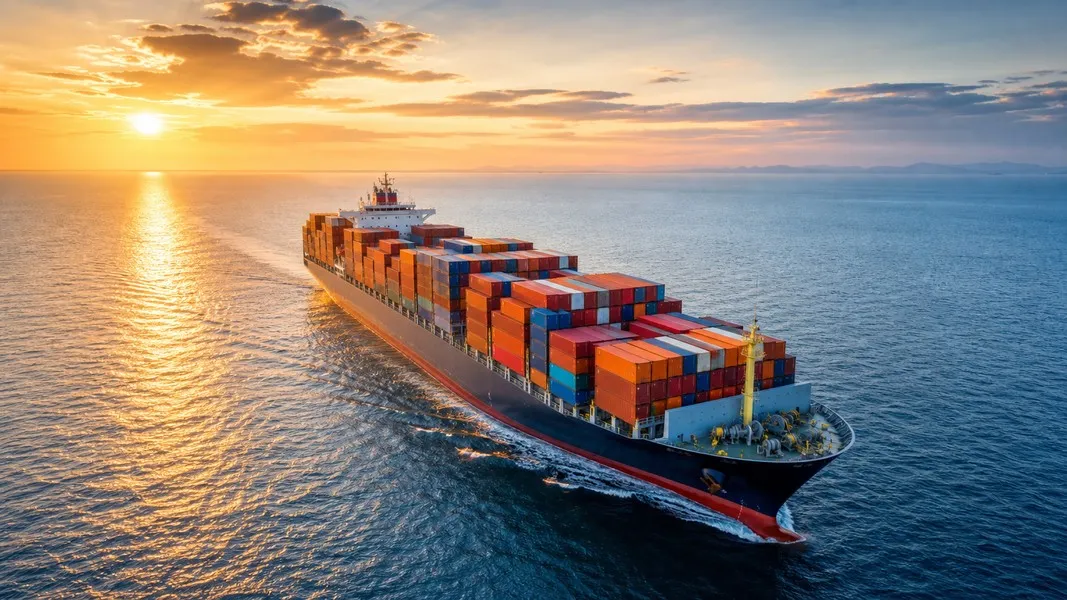
SM Line tracking lets you follow your container's journey from the origin terminal through ocean transit to final discharge at the destination port. You can search by bill of lading number, booking number, or container number through SM Line's official tracking portal, or use a vessel tracking app to watch the actual ship move in real time on a live AIS map.
This guide covers both approaches: the milestone-based container status system and live vessel tracking, so you always know where your cargo is and what to expect next.
What Is SM Line Corporation
SM Line Corporation is a South Korean container shipping company operating on transpacific and intra-Asia trade lanes. It emerged in the mid-2010s following the restructuring of Korean container shipping after Hanjin Shipping's bankruptcy, positioning itself as a national carrier on the key Asia-to-North America corridor.
The line connects major ports in Korea and North China, such as Busan, Incheon, and Qingdao, with US West Coast destinations including Los Angeles/Long Beach, Seattle/Tacoma, and Vancouver. It also runs regional intra-Asia services linking Northeast and Southeast Asian ports. Some cargo destined for other regions moves via partner transshipment at hub ports, where containers transfer onto connecting services.
SM Line operates a mix of owned and chartered vessels ranging from feeder-size ships through larger mainline vessels suited to transpacific routes. It supports standard container types including dry, reefer, and special or out-of-gauge cargo, and the carrier integrates with major multi-carrier visibility platforms, making it possible to access SM Line cargo tracking status through neutral third-party dashboards alongside other shipping lines.
How to Track an SM Line Container
The most direct path to SM Line container tracking is through the carrier's official portal or a third-party visibility tool that supports SM Line's data feed. Tools like GoComet, a multi-carrier platform, accept SM Line Corporation as a carrier and allow you to search by master BL, booking number, or container number, including empty returns.
Here is how the process works step by step.
Step 1: Locate your tracking identifier. Your bill of lading (BL) number is printed on the SM Line BL document and your booking confirmation. Container numbers follow the standard format of four letters followed by seven digits, for example SMLU1234567. Booking numbers come from your freight forwarder or the shipping confirmation your carrier sends after booking is confirmed.
Step 2: Open the SM Line tracking page or a third-party tool. Navigate to SM Line's official website and find the cargo tracking section, or select SM Line Corporation from the carrier list in a platform such as GoComet, JCtrans, or Shipwell.
Step 3: Choose your search type. Select BL, booking number, or container number from the input options, then enter your identifier exactly as it appears in your documentation. Even a single character error will return no results, so copy-paste where possible.
Step 4: Review your results. A successful query returns a shipment overview showing origin port, destination port, vessel name, voyage number, and a chronological list of status milestones with timestamps for each completed event.
Step 5: Track multiple containers if needed. Most platforms let you enter several container numbers at once, which is useful when your shipment spans multiple containers on the same voyage or when you are managing several open shipments simultaneously.
SM Line Container Tracking Milestones: What They Mean
When you pull up an SM Line shipment, the tracking report shows a sequence of event milestones. Understanding each one helps you plan the downstream steps, from customs filing to trucking arrangements, without waiting for surprises.
The standard sequence runs from empty pickup through ocean transit to final empty return:
- Gate-in at origin terminal: Your container has been delivered and checked into the port terminal.
- Loaded on vessel: The container is physically on board the SM Line ship.
- Vessel departed: The ship has left the origin port and is underway.
- Arrival at transshipment port (if applicable): For routes using connecting services, the vessel stops at an intermediate hub before the final leg.
- Arrival at destination port: The vessel has reached the discharge port.
- Discharged from vessel: Your container has been offloaded at the terminal.
- Available for pickup: The container has cleared terminal procedures and is ready for your trucker.
- Empty returned: The empty container has been returned to the terminal after delivery.
One critical detail to understand: standard container tracking is event-based, not continuous. As Shipwell explains, tracking documents when a container reaches specific checkpoints, and there can be a significant time gap between two status updates. The gap between "loaded on vessel" and "vessel departed" is a common example. Depending on terminal congestion and the ship's departure window, this window can range from a few hours to over a day, during which the portal shows no new information.
That is exactly where live vessel tracking adds value.
How to Track Your SM Line Vessel Live
When the official portal shows "loaded on vessel" but gives no further updates, AIS-based tracking fills the gap. AIS stands for Automatic Identification System, a mandatory radio broadcast system that ships use to transmit their position, speed, heading, and destination to coastal stations and satellites. Every commercial vessel over a certain tonnage threshold is required to operate AIS continuously while at sea.
Vessel tracking apps ingest this AIS data and display it on an interactive map. You can search for your SM Line ship by vessel name, IMO number, or MMSI number to find it and follow its progress in near real time. The IMO is a seven-digit permanent identifier assigned to each ship, making it the most reliable search parameter when vessel names include abbreviations or special characters.
What AIS tracking shows you goes well beyond simple position. You can see the ship's speed over ground and heading, which together give you a reliable sense of how quickly it is progressing along the transpacific route. Most tracking apps also display the vessel's reported destination and ETA, which the captain updates as conditions change. Some platforms layer historical voyage data on top, showing which ports the ship called at previously and how long it spent at each, so you can judge whether the current voyage is running to its normal schedule.
The most valuable application for SM Line shippers is the gap-filling function. When your container shows "loaded" but the vessel's AIS position still places it at the berth, you know with confidence that the ship has not yet sailed. Once AIS shows the vessel clearing the harbor and building to its cruising speed, you can anticipate the "vessel departed" milestone appearing in SM Line's portal shortly after. This removes the ambiguity that comes with milestone-only tracking and lets you plan with more precision.
Why Shippers Use SM Line Tracking
The core reasons importers and logistics teams track SM Line cargo are practical and time-sensitive. Reliable shipment visibility helps you stay ahead of downstream decisions that all depend on knowing when your goods will actually arrive.
Customs planning: Knowing the vessel's confirmed ETA gives your customs broker enough lead time to file entry documents, schedule inspections, and prepare import declarations before the ship docks. Late filing because of an unexpected arrival wastes clearance time and can trigger costly demurrage if your container sits waiting while documentation catches up.
Delivery scheduling: Accurate ETAs let you coordinate trucking, warehouse labor, and production line schedules. Confirming that your container has been discharged and is marked available for pickup before dispatching a driver prevents wasted trips and unnecessary detention fees at the terminal.
Exception management: Port congestion, weather delays, and schedule changes all affect SM Line voyages on transpacific routes. Understanding your bill of lading together with live vessel position data helps you identify exceptions early, whether the vessel is anchored off the coast waiting for a berth, rerouted around severe weather, or skipping a transshipment stop due to schedule adjustments.
Demurrage and detention control: Tracking when your container is discharged and available gives you visibility into terminal last free days. Missing the free period triggers daily charges that accumulate quickly in busy ports like Los Angeles/Long Beach. Visibility platforms consistently identify nearing last free days as one of the top reasons logistics teams invest in continuous shipment monitoring.
Smarter SM Line Tracking with AI Insights
Standard tracking tools give you position and milestones. Primo Nautic takes it a step further by layering AI-generated insights on top of raw AIS data. When you add an SM Line vessel to Primo Nautic with the cargo shipment purpose selected, the app translates vessel position, speed, and sea conditions into clear, jargon-free updates about your shipment's progress.
Instead of reading coordinates and checking multiple sources, you receive plain-language updates that explain what the data means for your cargo: whether the ship is on schedule, what weather it is encountering at sea, and a confidence-scored ETA prediction that accounts for actual route progress rather than relying solely on the captain's reported arrival time.
Primo Nautic also sends smart notifications when the vessel departs, approaches its destination port, or falls behind schedule, so you can react without constantly refreshing tracking portals throughout the day.
SM Line Tracking: Common Questions
What identifier should I use? Any of the three will work: bill of lading number, booking number, or container number. Container number searches are the most specific and update at the container level. BL searches return all containers under a single shipment, which is useful for multi-container bookings.
Why does SM Line's portal show no update for days? This is normal between major milestones, particularly during the ocean transit leg. AIS vessel tracking provides position updates during this period, which confirms the ship is underway even when the portal shows no new event.
Can I track empty container returns? Yes. Third-party platforms that integrate SM Line data support tracking from full container gate-in all the way through to empty return confirmation at the origin depot.
What if the vessel name search fails? Use the IMO number instead. You can find the IMO number in your shipping documents or through the IMO's database, which maintains records for all registered commercial vessels globally.
Conclusion
SM Line tracking works on two levels: the carrier's event-based milestone system for official status updates, and AIS vessel tracking for continuous real-time visibility of the ship itself. Using your BL, booking, or container number, you can check SM Line container tracking status through the carrier portal or a third-party platform and see exactly where your shipment stands at each stage of the journey. Pairing that with live AIS data closes the information gap between milestones and gives you the earliest possible signal of delays, schedule changes, or a vessel approaching port. Together, these tools give cargo shippers the complete picture needed to plan customs clearance, trucking, and delivery without last-minute surprises.