COSCO container tracking runs on two separate systems that most importers never connect. The first is COSCO's official e-tracking portal, which shows milestone events: when a container was received at the terminal, when it was loaded onto a vessel, and when it was discharged. The second is AIS-based vessel tracking, which shows the live GPS position of the ship carrying your cargo right now.
The official portal goes silent once your container is at sea, and that gap is where COSCO tracking via AIS becomes essential. A transpacific voyage from Shanghai to Los Angeles takes roughly 14 to 18 days, and during that window the portal may show nothing new at all. Understanding how both systems work together gives you real visibility instead of a static status message.
COSCO Shipping Lines is the world's fourth-largest container carrier, operating approximately 520 vessels with a total capacity of around 3.35 million TEU. When your cargo is aboard one of those ships, this guide explains how to follow it.
What COSCO Tracking Shows at Each Stage
COSCO's e-tracking portal is event-driven. You search by container number, booking number, or Bill of Lading (B/L) number, and the system returns a list of timestamped events corresponding to physical milestones at terminals and ports.
Common events in order of a typical voyage:
- Gate In / Received at Terminal: Your container has arrived at the origin port terminal. This confirms the container is in the carrier's custody.
- Loaded on Vessel: The container has been physically placed aboard a named ship. This event includes the vessel name and voyage number, which you will need for live tracking.
- Discharged: The container has been offloaded at a port. This may be a transshipment hub, not your final destination.
- Gate Out / Delivered: The container has left the terminal for final delivery.
The portal is accurate for milestones but offers no visibility between them. Once "Loaded on vessel" appears, the next event at sea could be 10 to 20 days away. Everything that happens in between, route deviations, weather slowdowns, congestion holding patterns, is invisible on the official portal.
COSCO Container Number Format and What to Search
Every COSCO container follows the ISO 6346 standard: four letters identifying the owner, one equipment category letter (always "U" for freight containers), six serial digits, and one check digit, totaling 11 characters. Common COSCO prefixes include COSU and CSGU.
Your freight forwarder or COSCO booking confirmation will provide this number once cargo is stuffed and the container is assigned. Use it in the COSCO e-tracking portal to monitor status events.
If your shipment includes multiple containers, you may receive a Bill of Lading number instead of individual container numbers. The B/L number covers all containers in a single shipment reference, and it is useful for documentation and customs purposes. For tracking the actual vessel position, you still need the vessel name, which appears in the "Loaded on vessel" event linked to your booking.
How AIS Fills the Gap in COSCO Vessel Tracking
The Automatic Identification System is an IMO-mandated transponder technology that large ships broadcast continuously. Vessels above 300 gross tonnage on international voyages transmit position, speed, course, heading, destination, and navigational status in near real time. Shore stations and satellites collect these signals and feed them to tracking platforms worldwide.
When your COSCO container is at sea, the vessel carrying it is broadcasting its AIS signal every few seconds. Any AIS-capable tracking app can show you exactly where that ship is, how fast it is moving, what course it is following, and what ETA it has filed with the destination port.
This is fundamentally different from what the e-tracking portal provides. AIS does not depend on terminal events or carrier databases. It depends on the ship itself transmitting. You can see a COSCO vessel slow to enter the Strait of Malacca, observe it holding outside the Port of Long Beach waiting for a berth, or detect that it has added an unscheduled stop, all before any official event updates in the portal.
COSCO's Fleet: The Ships Carrying Your Cargo
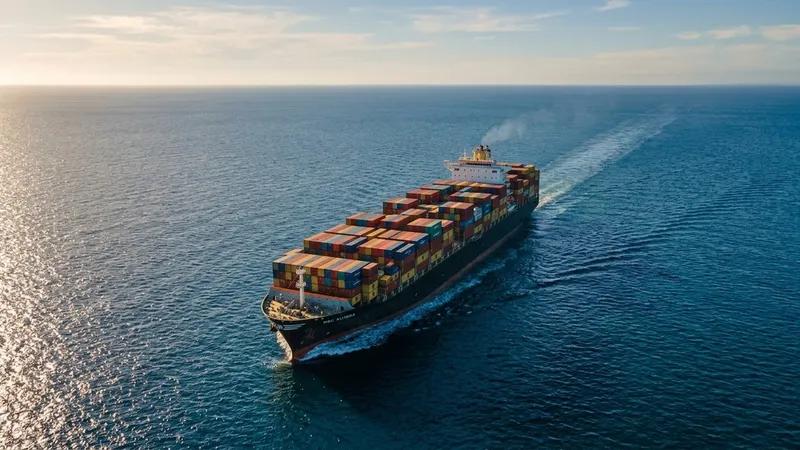
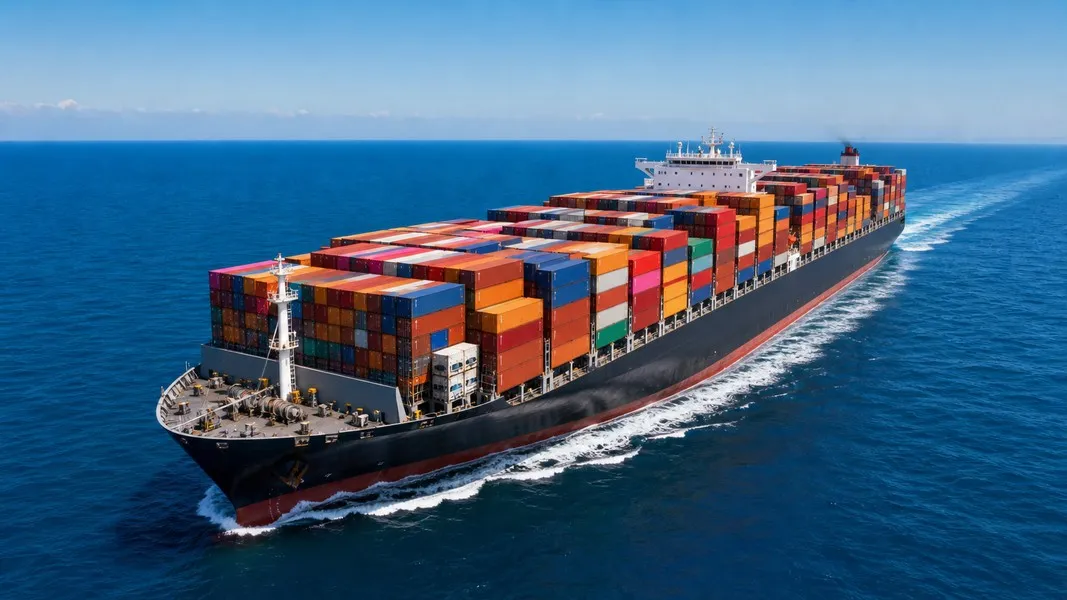
COSCO operates some of the largest container ships in service. The COSCO Shipping Universe has a capacity of 21,237 TEU and stretches 400 meters from bow to stern. The COSCO Shipping Aries carries 19,000 TEU at the same length. Newer vessels like the COSCO Shipping Lily carry 16,136 TEU including 1,400 refrigerated slots and are deployed on Asia to US East Coast services via the Panama Canal.
Through COSCO Shipping Holdings, COSCO also operates OOCL shipping, one of Hong Kong's largest carriers. Cargo booked with COSCO may travel on OOCL-flagged vessels depending on the service routing. Knowing the actual vessel name from your bill of lading matters before you start AIS tracking, because searching for the wrong vessel name will not find your cargo.
Key trade routes where COSCO vessels operate include the transpacific corridor between Asia and North American ports, Asia to Europe services, and growing direct services into the Indian Subcontinent and Eastern Europe. The fleet covers all major east-west trade lanes.
How to Find Your COSCO Vessel on a Live Map
The connection between event-based COSCO tracking and live AIS tracking relies on the vessel name. Here is the practical process:
- Check COSCO's e-tracking portal and locate the "Loaded on vessel" event.
- Note the vessel name and voyage number from that event.
- Open an AIS-based tracking app and search by the vessel name (example: "COSCO SHIPPING STAR").
- Verify the vessel matches by checking the IMO number or current destination port.
- Follow the live map for position, speed, course, and estimated arrival.
You can also search by MMSI number if you know it. COSCO Shipping Star, for example, has MMSI 477318200 and IMO 9795658. Searching by IMO avoids ambiguity with similar vessel names. Apps like Primo Nautic support search by vessel name, MMSI, or IMO directly, and layer AI-generated context on top of the raw AIS data, showing weather conditions at the vessel's current location and plain-language arrival estimates.
For a broader guide to following any shipping line's vessels, the post on following cargo on container ships covers how AIS tracking applies across carriers.
Reading COSCO Tracking Codes Without Confusion
Several status events cause confusion that leads importers to make unnecessary calls to their forwarder.
"Discharged" at an unexpected port almost always means transshipment. Many COSCO shipments move through hub ports like Shanghai, Singapore, Port Klang, or Algeciras before the cargo transfers to a feeder vessel for the final leg. Seeing "Discharged" at a port you did not book does not mean your cargo is stranded. It means you need to find the next vessel name in the subsequent "Loaded" event.
When you see a transshipment, update your AIS tracking to follow the new vessel. The original ship has completed its role. Your container is now moving on a different vessel, often a smaller feeder, and you need to search for that name to continue following it.
"Gate In" sometimes appears at an inland container depot rather than the port terminal. This reflects the container's entry into the carrier's custody system, which may happen days before the ship actually departs. Do not read "Gate In" as confirmation that loading has started.
When COSCO Shipping Tracking Goes Silent Mid-Voyage
The most common frustration with cosco shipping tracking is the mid-ocean blackout. Your container shows "Loaded on vessel" on a Tuesday, and the next status event, "Discharged" at the destination, does not appear for two weeks. Carrier tracking relies on terminal systems at both ends; open ocean has no terminal to generate events.
AIS vessel tracking is the direct solution to this. Once you know the vessel name, you can monitor it daily without waiting for port events. You can see whether the ship is maintaining schedule speed or running slow. You can detect early if it has been rerouted around a tropical system. If it is queuing outside the destination port due to berth congestion, you will see the holding pattern on the map before any delay notification reaches your inbox.
This matters practically for warehouse scheduling, customer communication, and trucking coordination. A vessel that is already 36 hours behind schedule because of port congestion is visible on AIS days before the official ETA update reflects it.
The post on MSC container tracking covers a very similar pattern for shipments with a different carrier, including how event gaps and vessel tracking work together.
Getting Better Visibility from Your COSCO Cargo Tracker
Three practices consistently improve how much actionable information you get from COSCO tracking:
- Request the vessel name from your forwarder as soon as cargo is loaded. Do not wait for the event to appear in the tracking portal. There is often a delay of several hours between physical loading and the digital event. Your forwarder's operational team knows the vessel name from the booking confirmation.
- Track the vessel, not just the container. Container events tell you what happened at port. Vessel AIS data tells you where your cargo is right now, how fast it is moving, and when it will actually arrive. These are different questions with different answers.
- Set AIS alerts on the vessel. Many tracking apps allow you to receive a notification when a specific vessel enters or leaves a zone, updates its destination, or significantly changes speed. Primo Nautic adds AI-generated updates to these alerts, adapting the message to the cargo shipment context so the notification explains what the change means rather than just showing raw data.
Conclusion
COSCO container tracking works best when you treat the official portal and live AIS tracking as a pair rather than alternatives. The portal gives you accurate event records at each port stop, which you need for documentation, customs, and milestone confirmation. AIS tracking gives you continuous visibility during the days or weeks when the vessel is at sea and the portal shows nothing new.
The key connection is the vessel name in the "Loaded on vessel" event. Once you have it, you can follow your cargo across any ocean in real time, know ahead of time if delays are developing, and communicate accurate arrival estimates to the people waiting for it.